Karuvoolam IFHRMS: How to Log In and Download Your Payslip (2026 Guide)
I’ve seen the administrative burden on government employees shift from physical ledger entries to digital dashboards. In Tamil Nadu, the Integrated Financial and Human Resource Management System (IFHRMS)—hosted on the Karuvoolam portal—is the backbone of this transformation.
For the thousands of state employees and pensioners, the ability to download a digital payslip isn’t just a convenience; it is a critical requirement for tax filing, loan applications, and financial planning. However, navigating the portal can be daunting if you aren’t familiar with the 2026 updates.
This guide provides a crisp, step-by-step walkthrough to help you manage your records with authority and ease.
What is Karuvoolam IFHRMS?
Contents
The IFHRMS is an initiative by the Department of Treasuries and Accounts, Government of Tamil Nadu. It centralizes payroll, leave management, and pension services into a single paperless environment. By digitizing these records, the state ensures transparency and reduces the turnaround time for salary disbursements and financial reporting.
Key Benefits of the Portal:
- 24/7 Access: Retrieve documents anytime without visiting the Treasury office.
- Accuracy: Real-time updates on dearness allowance (DA), increments, and deductions.
- Security: Multi-factor authentication ensuring that your sensitive financial data is protected.
Prerequisites for IFHRMS Login
Before you attempt to log in, ensure you have these “Audit-Ready” details:
- User ID: Typically your 11-digit Employee Code or T-Code.
- Password: Your unique alphanumeric password.
- Aadhaar-Linked Mobile: Required for OTP verification during password resets.
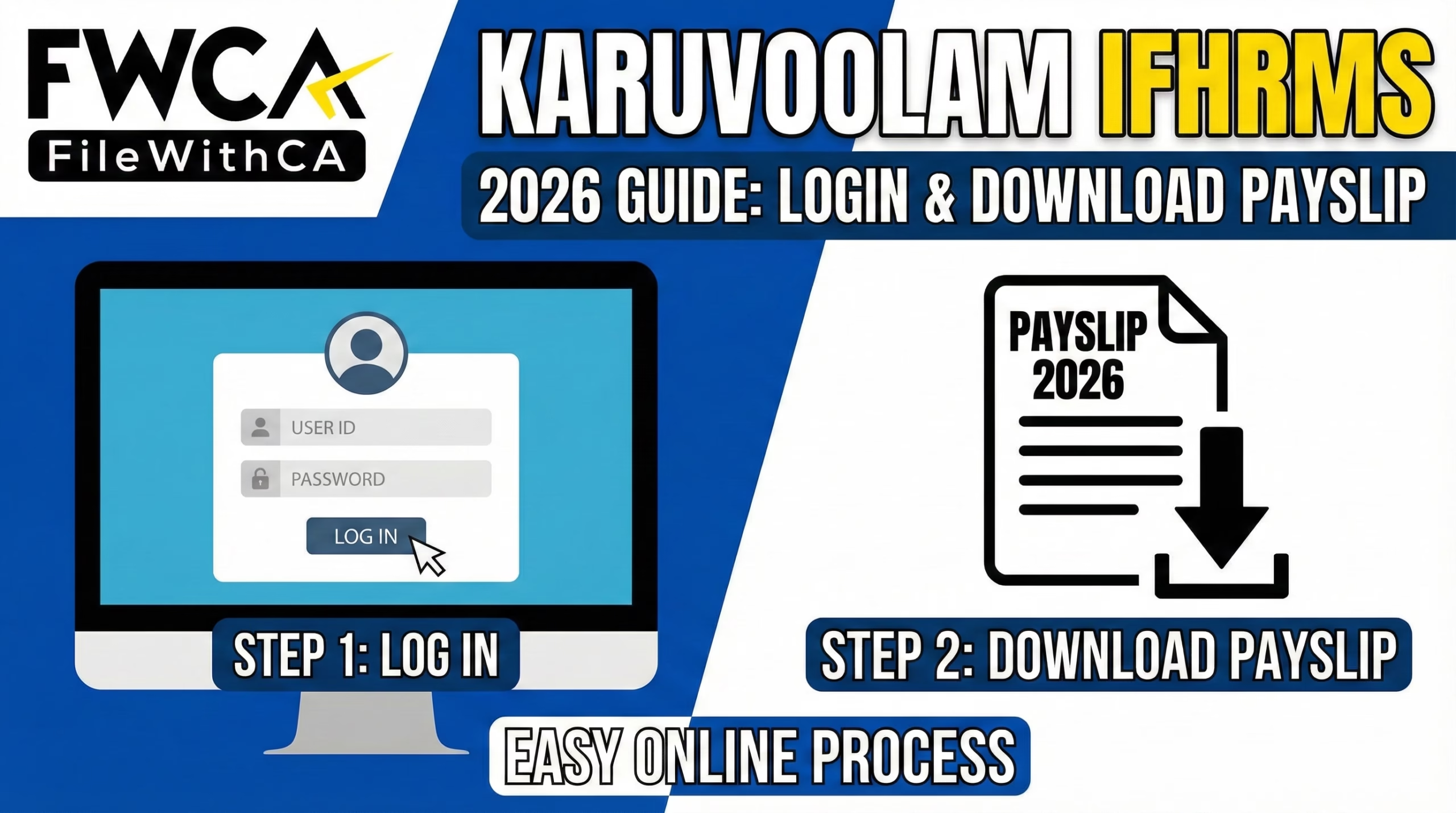
Step-by-Step: How to Log In to IFHRMS
The portal is optimized for modern browsers like Google Chrome or Microsoft Edge. Follow these steps for a secure login:
- Visit the Official Portal: Navigate to the official website: www.karuvoolam.tn.gov.in.
- Select User Type: On the login panel, choose your category: Employee or Pensioner.
- Enter Credentials: Input your User ID and Password.
- Verification: Complete the CAPTCHA text verification.
- Sign In: Click “Sign In” to access your personalized Kalanjiyam dashboard.
How to Download Your IFHRMS Payslip
Once you are on the dashboard, follow this precise path to secure your digital salary statement:
- Navigate to Payroll: Click on the ‘Finance’ module and then select the ‘Payroll’ or ‘Employee Services’ tab.
- Select Reports: Click on the ‘All Reports’ option from the sidebar.
- Choose Payslip: From the list of available reports, select ‘Payslip’.
- Filter Period: Select the required Month and Year (e.g., January 2026).
- Download PDF: Click the download icon. The file will be saved as a password-protected PDF.
Technical Data: Understanding the PDF Password
To protect your privacy, the downloaded PDF is encrypted. In 2026, the standard password format for the IFHRMS payslip is:
| Requirement | Format | Example |
| Password Key | Date of Birth (DDMMYYYY) | If DOB is 5th May 1985, use 05051985 |
| Alternative (Selected Depts) | PAN (Upper Case) | ABCDE1234F |
Common Login Issues and Pro-Solutions
As a CA, I often see clients get locked out right before the tax-filing deadline. Here is how to handle the most common errors:
- Forgot Password: Use the “Forgot/Change Password” link on the home page. You will need your User ID and access to your Aadhaar-registered mobile number to receive an OTP.
- Account Locked: Accounts are usually locked after 3-5 failed attempts. Wait 24 hours for an automatic reset or contact your Drawing and Disbursing Officer (DDO).
- PDF Not Opening: Ensure you have a standard PDF reader (like Adobe) and that you are using the correct date of birth format without any slashes or dashes.
Frequently Asked Questions (FAQs)
1. Is the IFHRMS payslip valid for bank loans?
Yes, the digitally generated payslip from the Karuvoolam portal is considered an official document. Most banks accept it as valid proof of income for personal, home, or vehicle loans.
2. What if my salary details are incorrect on the portal?
If there is a discrepancy in your Pay, HRA, or Deductions, you must immediately contact your Office Superintendent or DDO. Only they have the “Initiator” rights to rectify salary data in the IFHRMS backend.
3. Can pensioners use the same portal?
Yes, however, pensioners should select the ‘Pensioner’ user type. Their User ID is typically their PPO Number.
Conclusion: Take Charge of Your Financial Data
Digital literacy is the first step toward better financial management. By mastering the Karuvoolam IFHRMS portal, you ensure that your service records are accurate and your financial documents are always at your fingertips.
Pro-Tip: I recommend downloading and archiving your payslip every month. This practice makes it significantly easier when it’s time to compute your Income Tax or verify your Provident Fund contributions at the end of the year.
- Demystifying GST Clarifications: Director Services and Cinema Food Taxes Explained | 2026

- The Ultimate Guide to GST-Exempt Services in India: Demystifying Notification 12/2017
- The Ultimate Guide to GST Reverse Charge Mechanism (RCM): Demystifying Notification 13/2017
- GST on Doctor-Director Remuneration: When Does RCM Apply?
- File Consumer Complaint Against Flipkart & Get Refund | Scam Safety in 2026
- Liquor License Costs in India: top 3 States Cost Analysis for 2026


INTEGRATED ACCOUNTING & BUSINESS SERVICES PRIVATE LIMITED
Leave a Reply